Home Security Camera Maintenance
Key Takeaways
- Regular maintenance is crucial for optimal camera performance.
- Common troubleshooting steps can resolve many issues.
- Updating camera firmware enhances security features.
- Cleaning and positioning cameras correctly improves image quality.
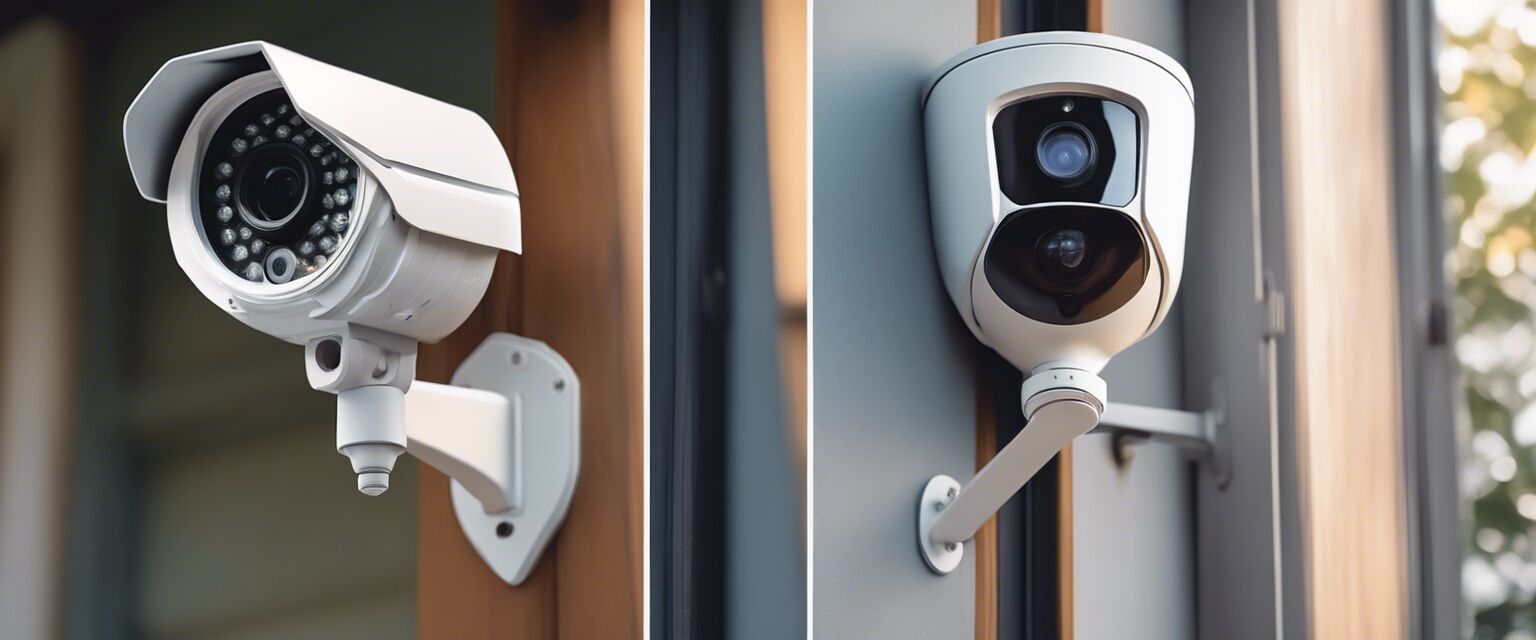
Home security cameras are vital for ensuring the safety of your home. However, like any device, they require ongoing maintenance to function effectively. In this guide, we will explore how to maintain, troubleshoot, and update your home security cameras, ensuring they remain a reliable part of your home security system.
Why is Maintenance Important?
Regular maintenance helps prevent issues that could compromise your security. Over time, dust and debris can accumulate on lenses, and software updates can introduce new features or security enhancements. Hereâs how you can keep your cameras in top shape:
Regular Cleaning
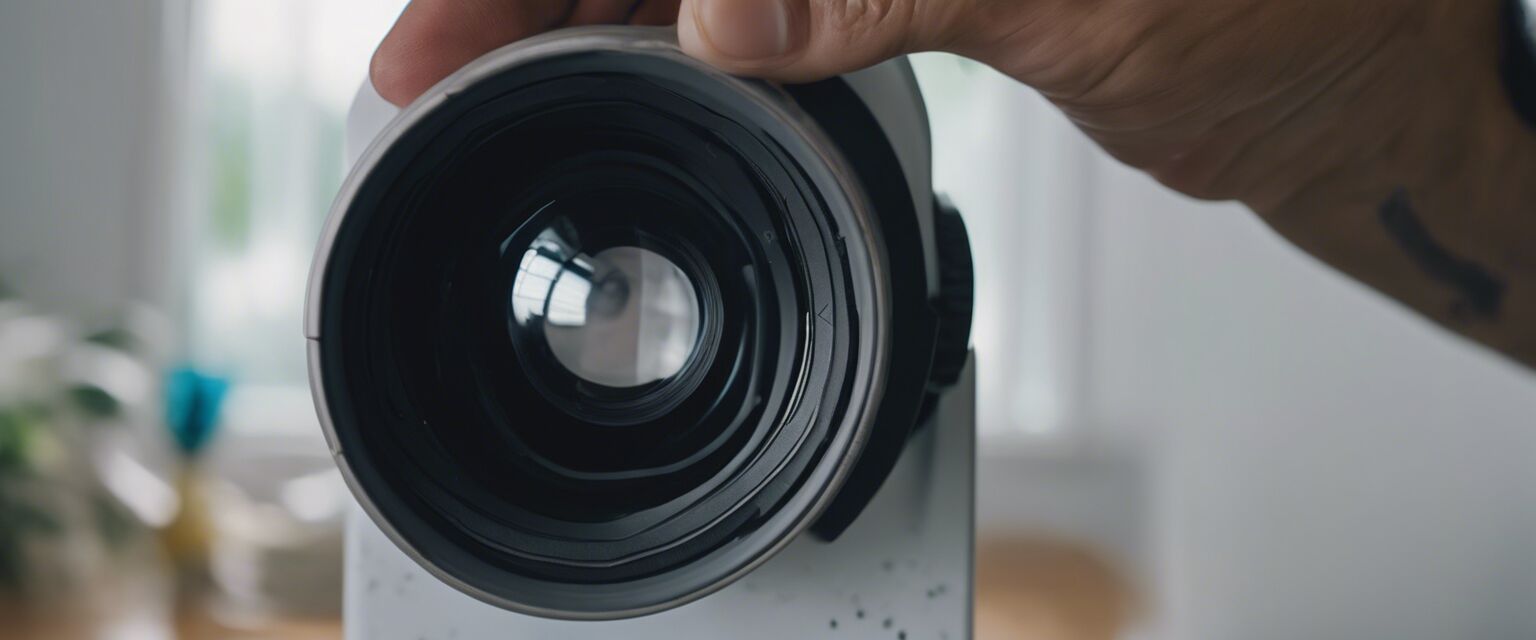
Keeping your cameras clean is essential for clear video quality. Hereâs a quick cleaning guide:
| Cleaning Step | Description |
|---|---|
| 1. Power Off | Always turn off the camera before cleaning to avoid any damage. |
| 2. Use a Microfiber Cloth | Gently wipe the lens with a microfiber cloth to remove dust and smudges. |
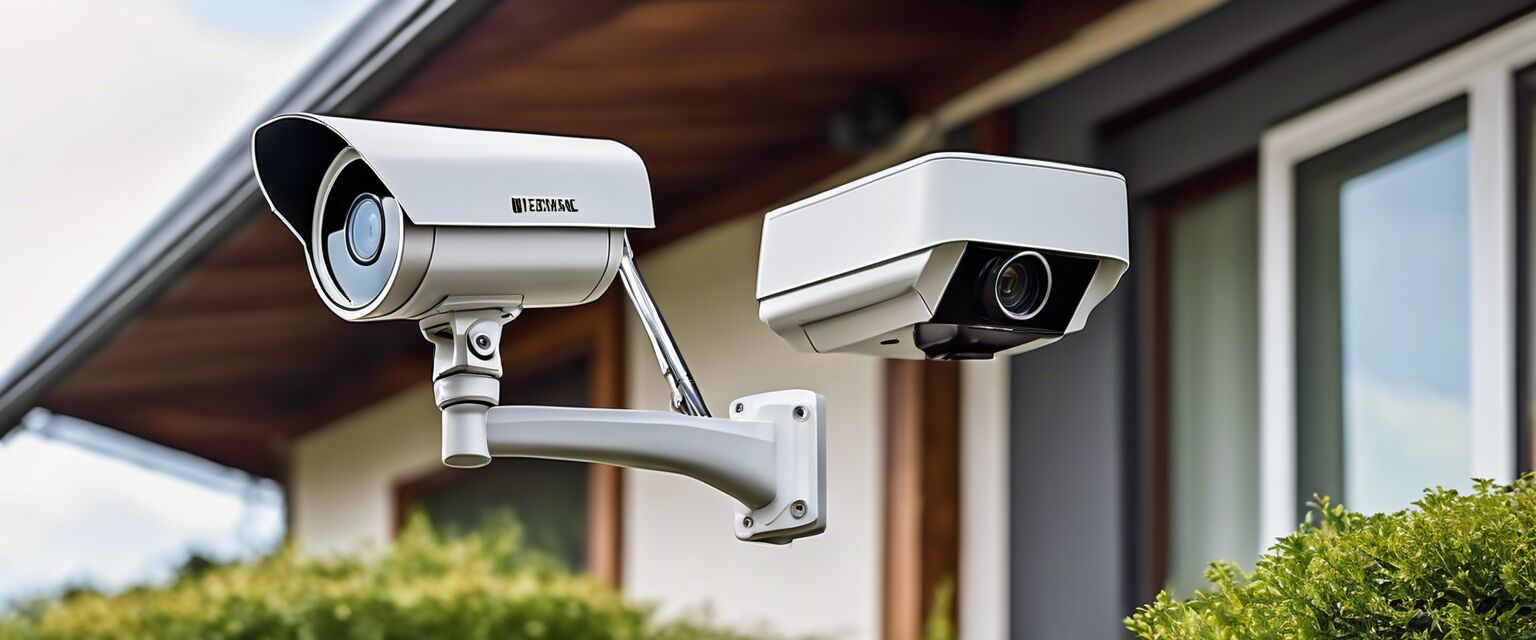
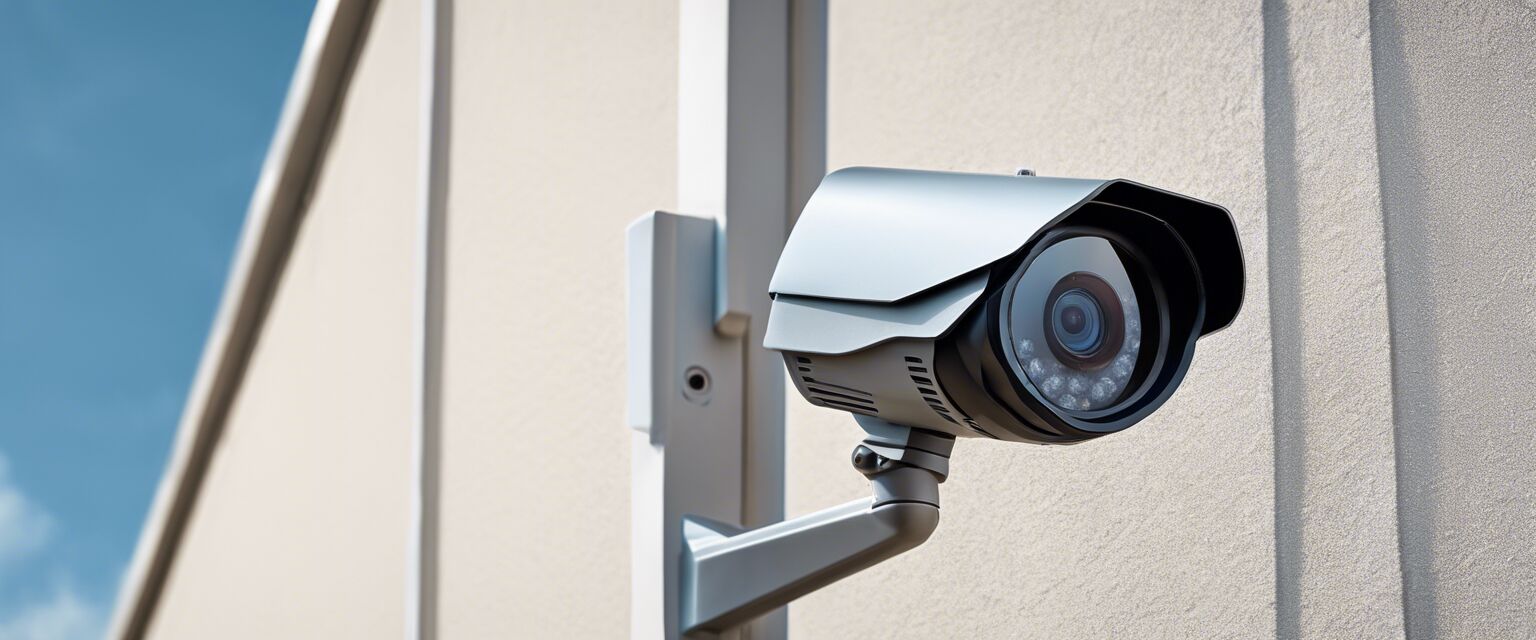
| 3. Check for Obstructions | Ensure that no branches or objects are blocking the camera's view. |
Positioning Your Cameras
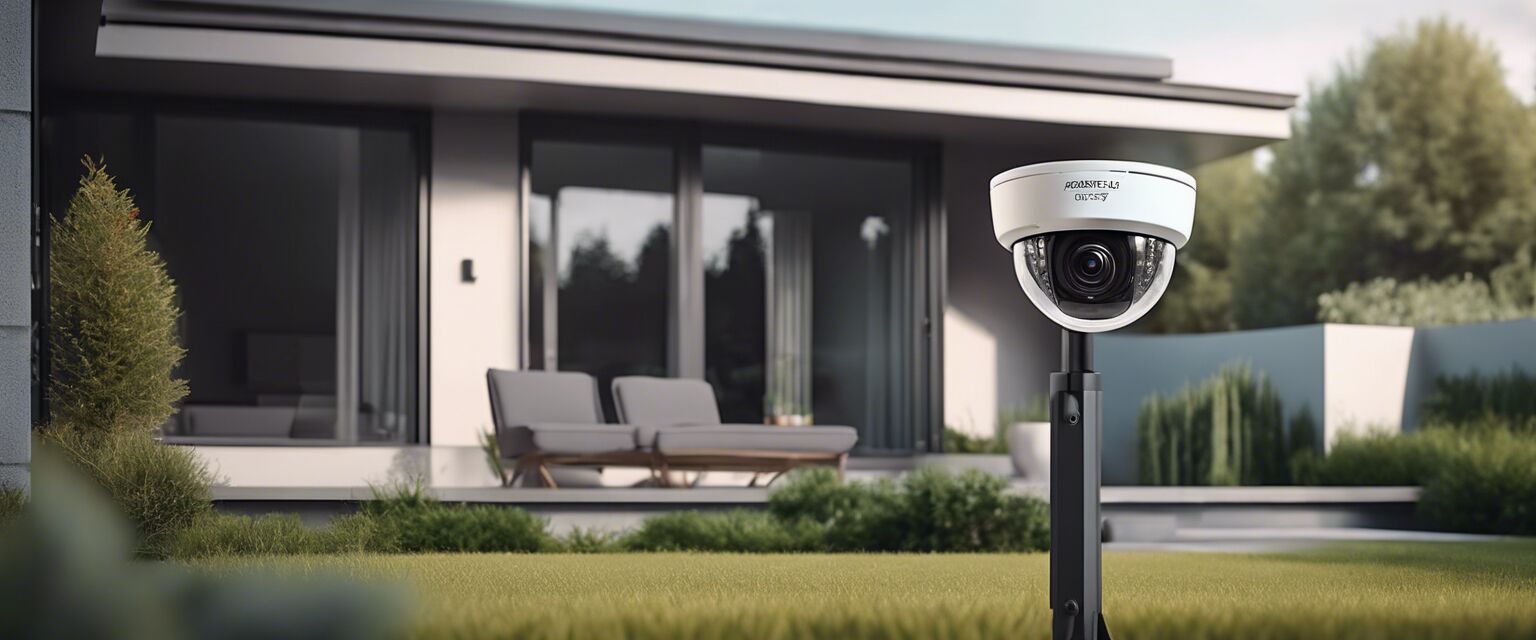
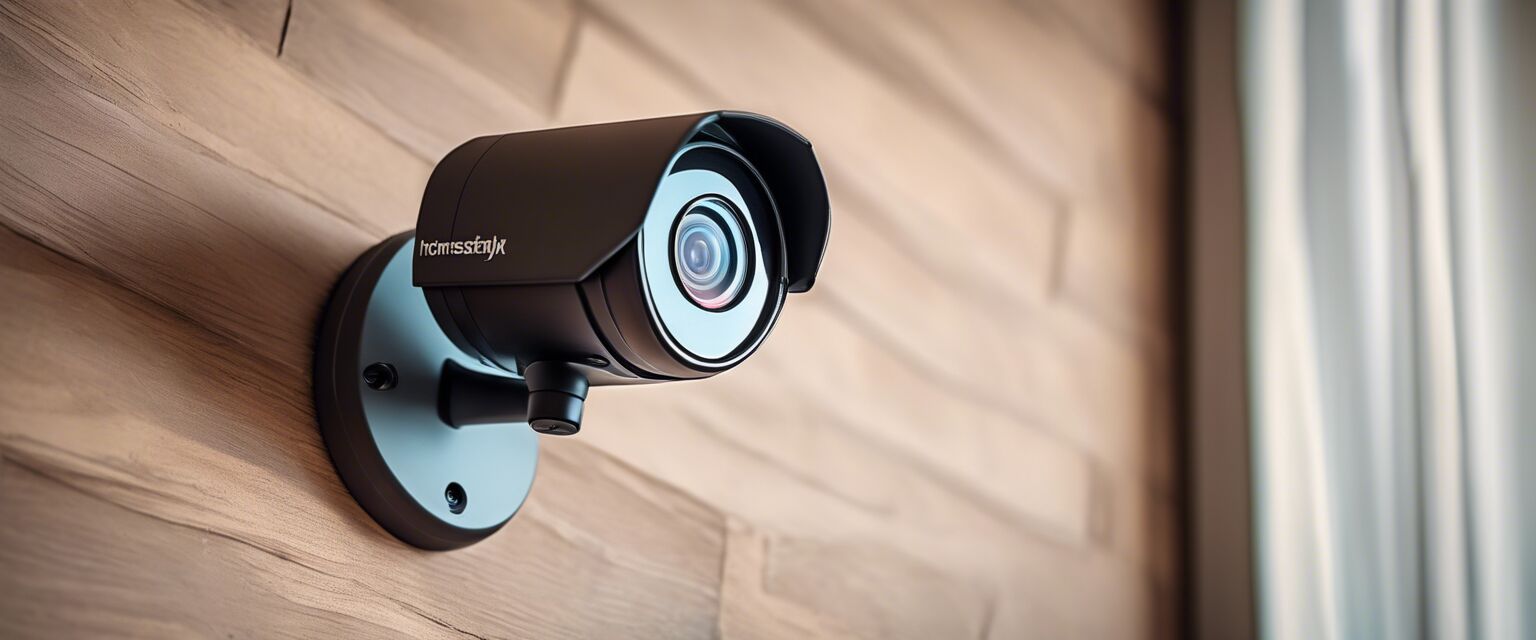
The placement of your cameras can significantly affect their performance. Here are some tips:
- Install cameras at a height that prevents tampering.
- Avoid placing cameras directly in front of bright lights to reduce glare.
- Ensure cameras cover all entry points and blind spots.
Troubleshooting Common Issues
Even with regular maintenance, you may encounter issues. Below are some common problems and solutions:
| Issue | Solution |
|---|---|
| Camera Not Connecting | Check Wi-Fi signals and ensure the camera is within range. Restart the camera and router if needed. |
| Blurry Footage | Clean the lens and check for obstructions. Adjust the camera angle if necessary. |
| No Power | Check the power source and connections. Replace batteries if applicable. |
Firmware Updates
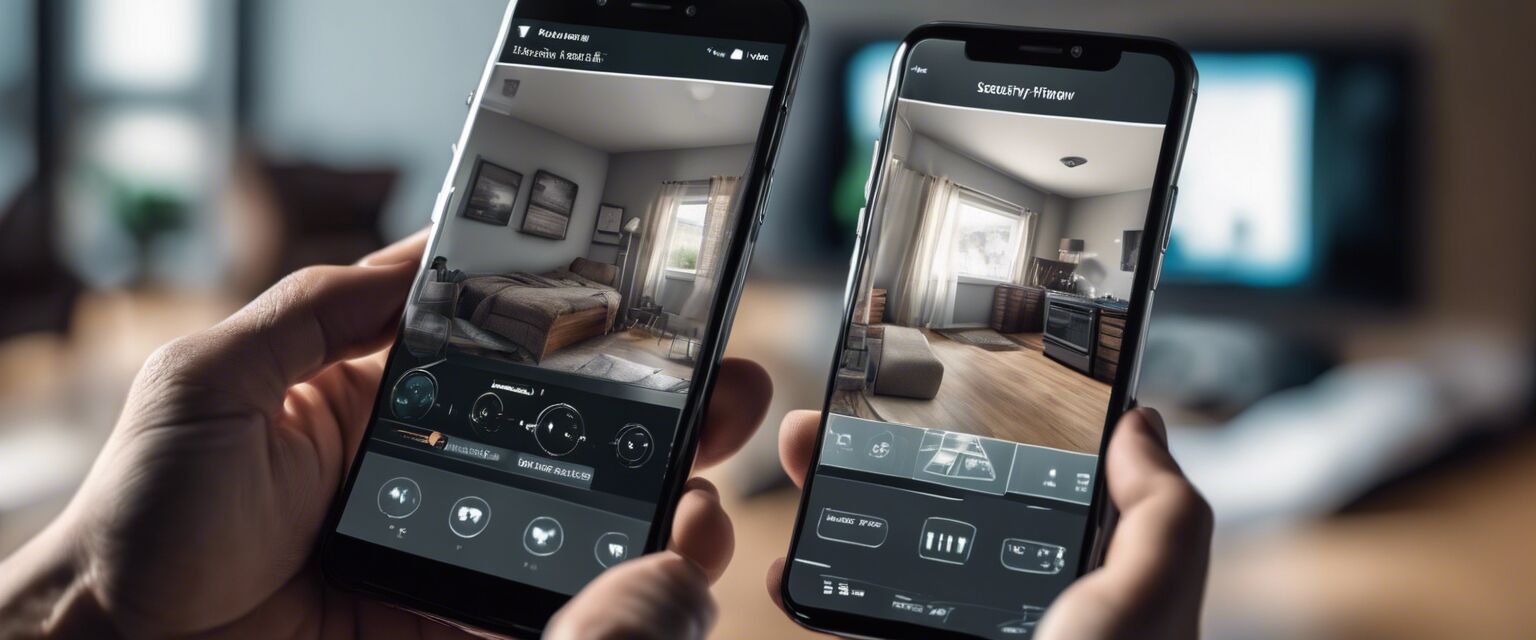
Keeping your camera's firmware updated is crucial for security and functionality. Follow these steps to update your firmware:
- Log into the camera's app or web portal.
- Navigate to the settings section.
- Check for available updates and follow the prompts to install.
Best Practices for Home Security Camera Maintenance
Here are some best practices to ensure your camera system remains effective:
- Perform monthly maintenance checks.
- Test camera angles and coverage every few months.
- Keep your security camera software updated regularly.
- Maintain your home network security to prevent unauthorized access.
Pros
- Enhances home security
- Provides peace of mind
- Improves response time during incidents
- Can deter criminal activity
Cons
- Requires regular maintenance
- Can be costly to install and maintain
- Privacy concerns for some homeowners
Conclusion
Maintaining your home security cameras is vital for keeping your home secure. By regularly cleaning, troubleshooting, and updating your cameras, you can enhance their performance and ensure your peace of mind. For more information on different types of cameras and their features, check out our other resources:
- Doorbell Cameras
- Home Monitoring Services
- Outdoor Security Cameras
- Security Camera Accessories
- Smart Home Security Systems
Tips for Beginners
- Start with a basic setup before expanding your system.
- Read the user manual for specific maintenance instructions.
- Join online forums for community support and tips.