Home Security Camera Installation
Key Takeaways
- Understand the different types of home security cameras.
- Follow step-by-step installation guides for each camera type.
- Ensure proper placement for maximum coverage and effectiveness.
- Consider connecting your cameras to a monitoring service for enhanced security.
Installing home security cameras can greatly enhance your safety and peace of mind. This guide will walk you through the installation process for various types of home security cameras. Whether you're new to security systems or looking to upgrade your current setup, this detailed guide is here to help.
Types of Home Security Cameras
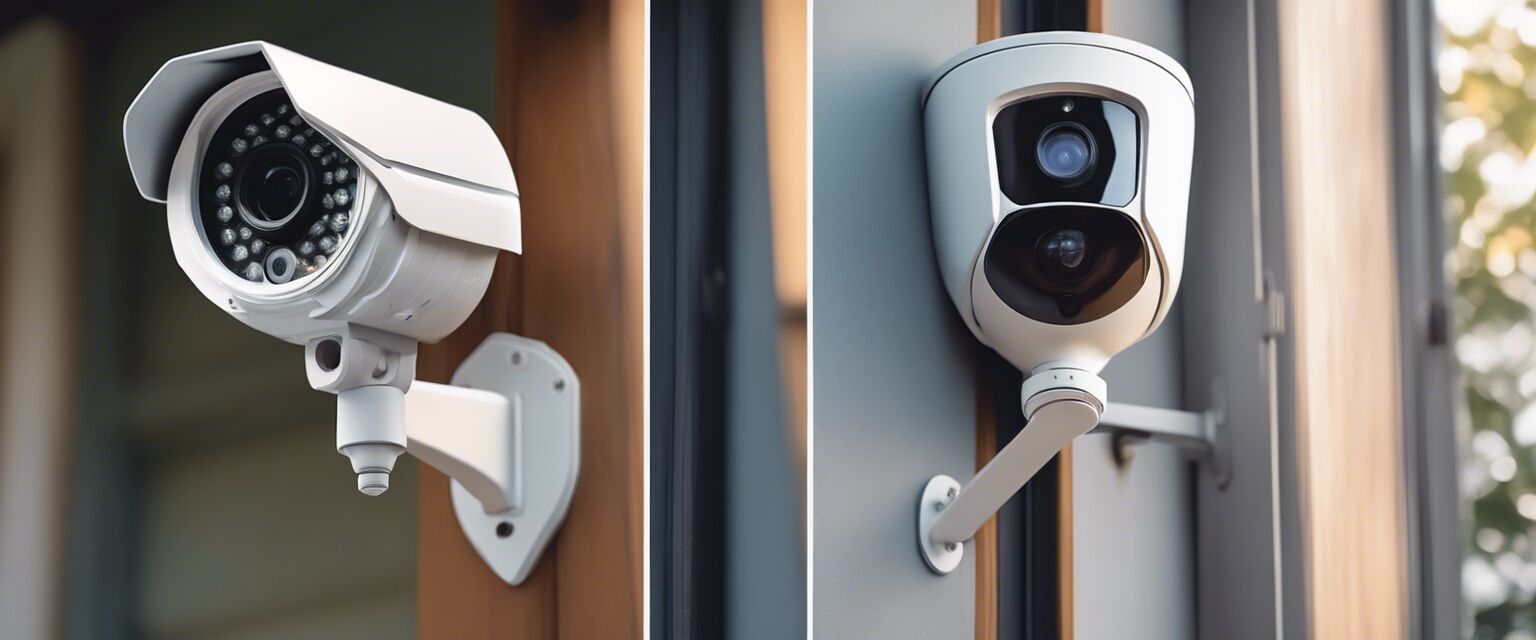
| Camera Type | Best For | Key Features |
|---|---|---|
| Doorbell Cameras | Monitoring entry points | Two-way audio, motion detection |
| Outdoor Security Cameras | Exterior surveillance | Weatherproof, night vision |
| Wireless Security Cameras | Flexible placement | Easy installation, remote access |
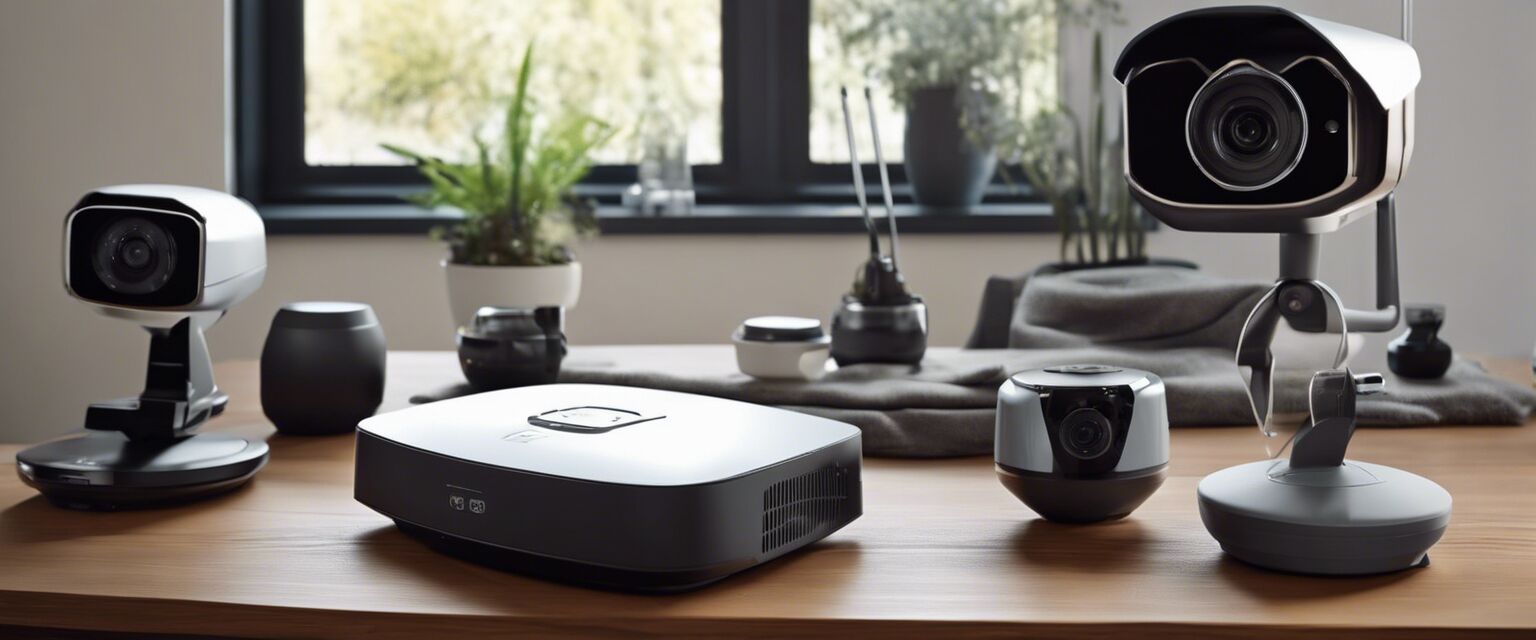
| Smart Home Security Systems | Integrated security solutions | Smart technology integration, automation |
Installation Steps for Different Camera Types
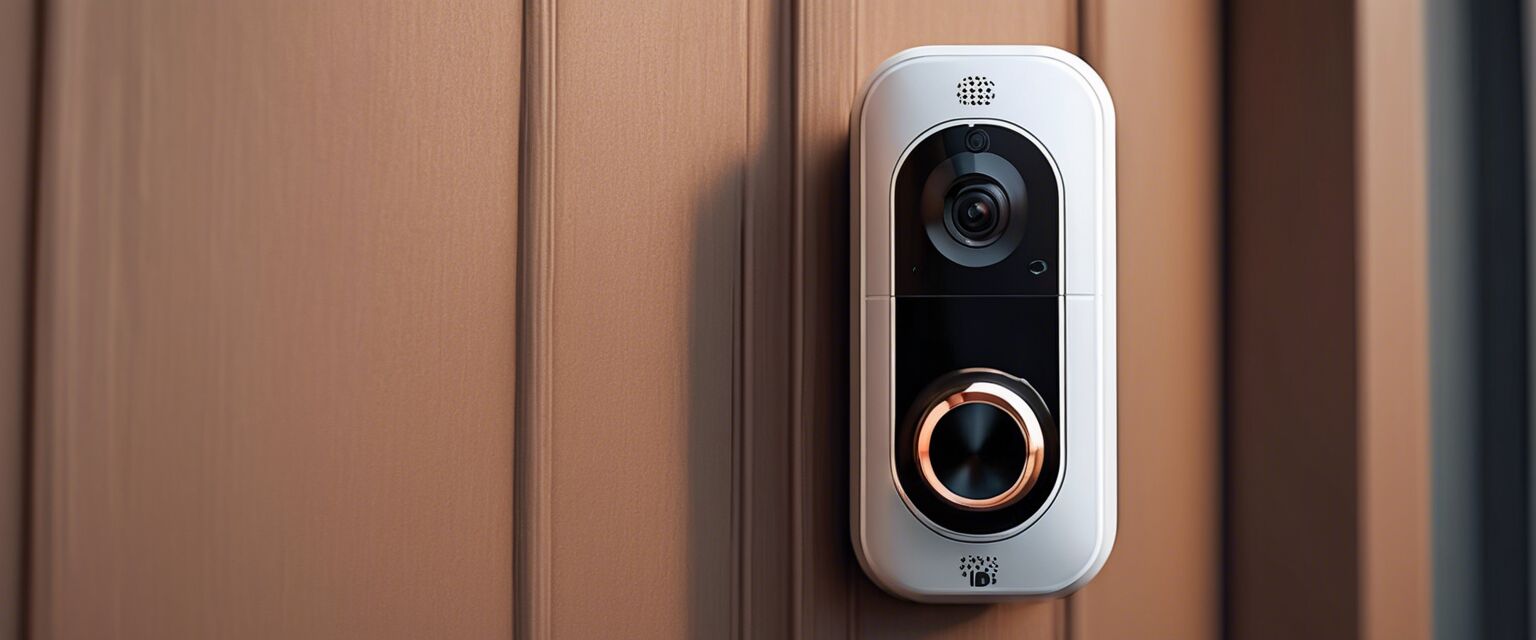
1. Doorbell Cameras
Doorbell cameras are an excellent first line of defense. Hereâs how to install one:
- Choose the right model suitable for your door frame.
- Turn off power to your existing doorbell.
- Remove the old doorbell and connect the wires to the new camera.
- Mount the doorbell camera securely.
- Turn the power back on and follow the app instructions for setup.
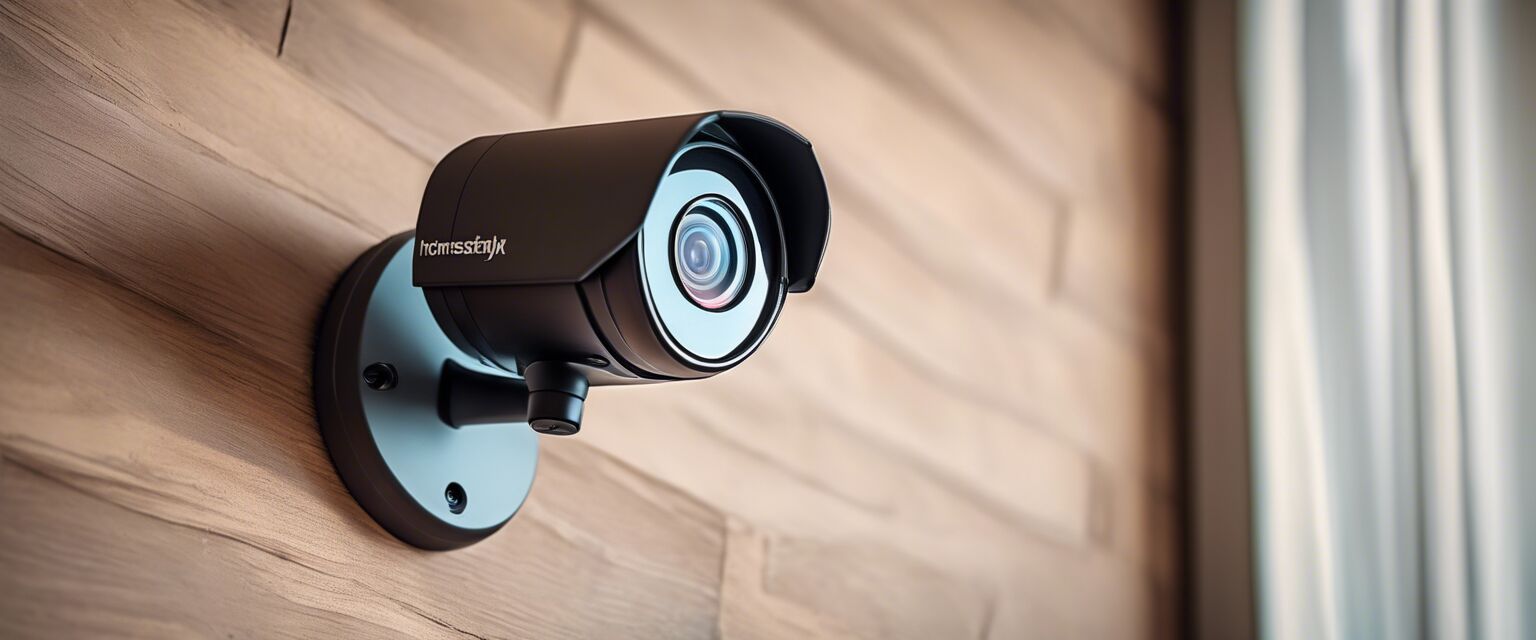
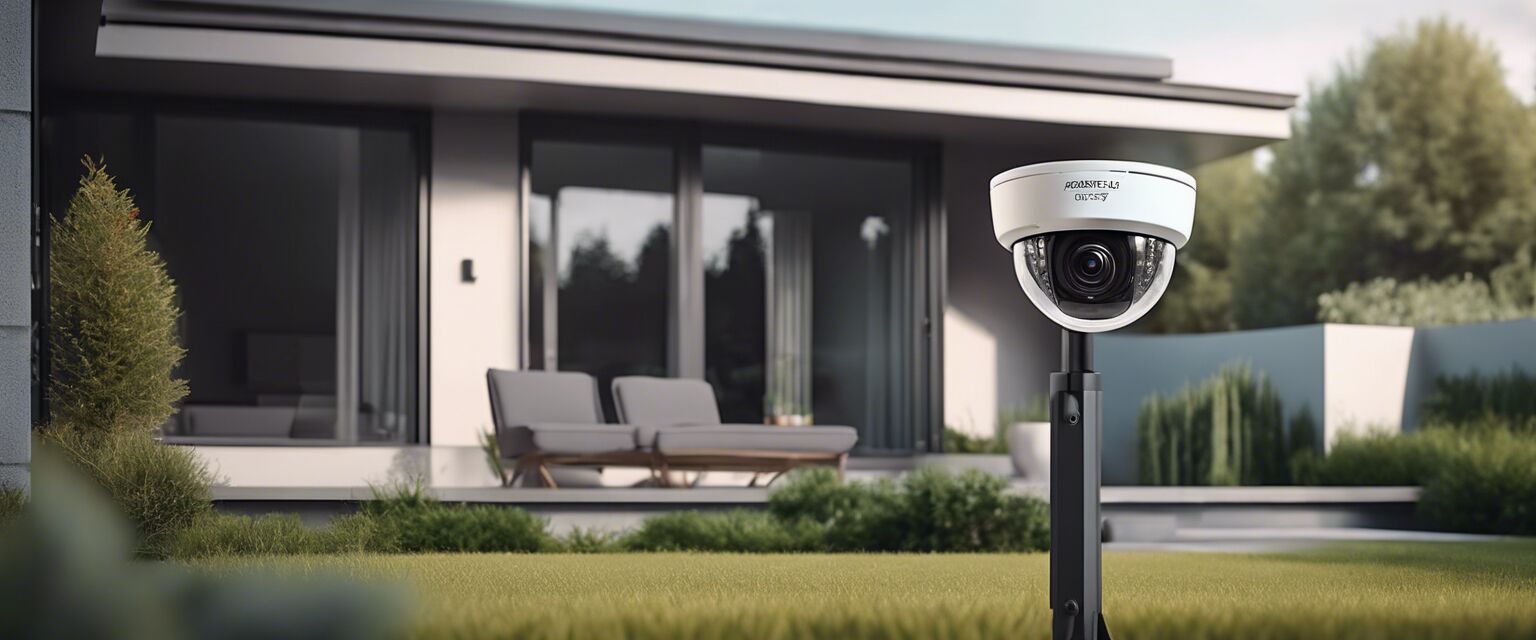
2. Outdoor Security Cameras
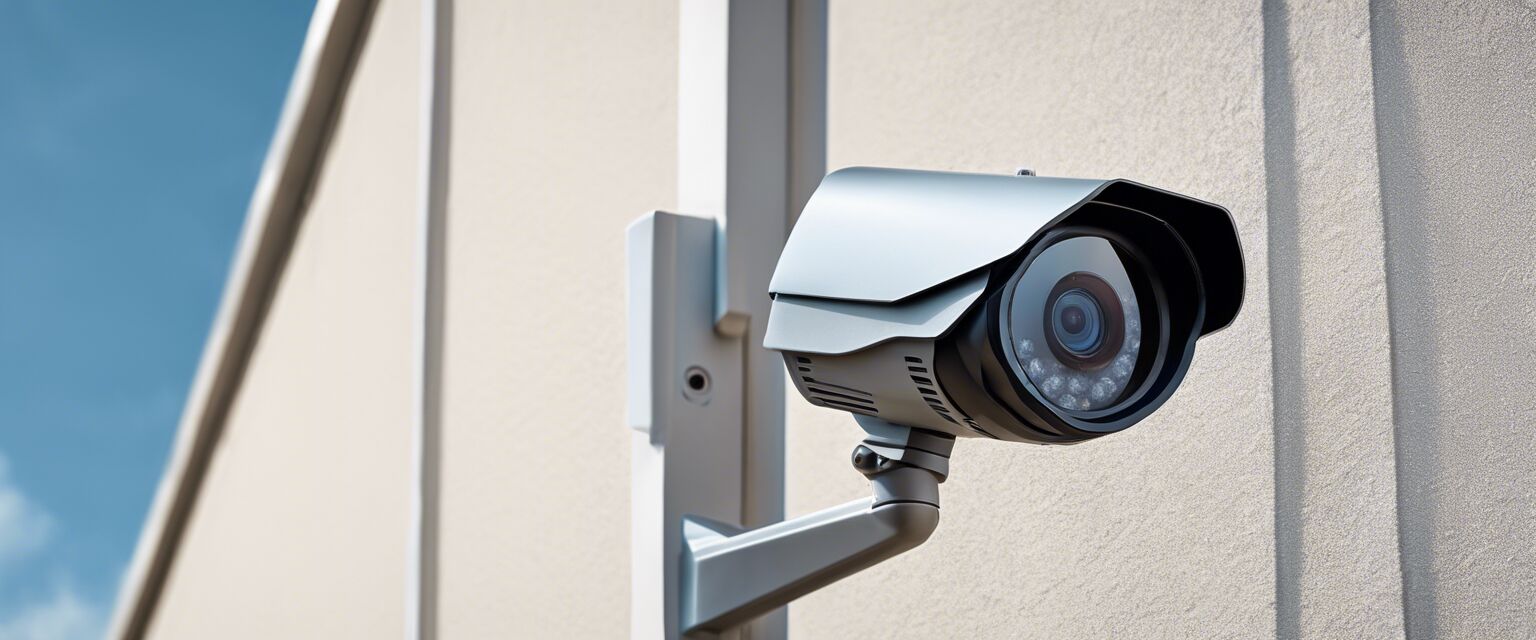
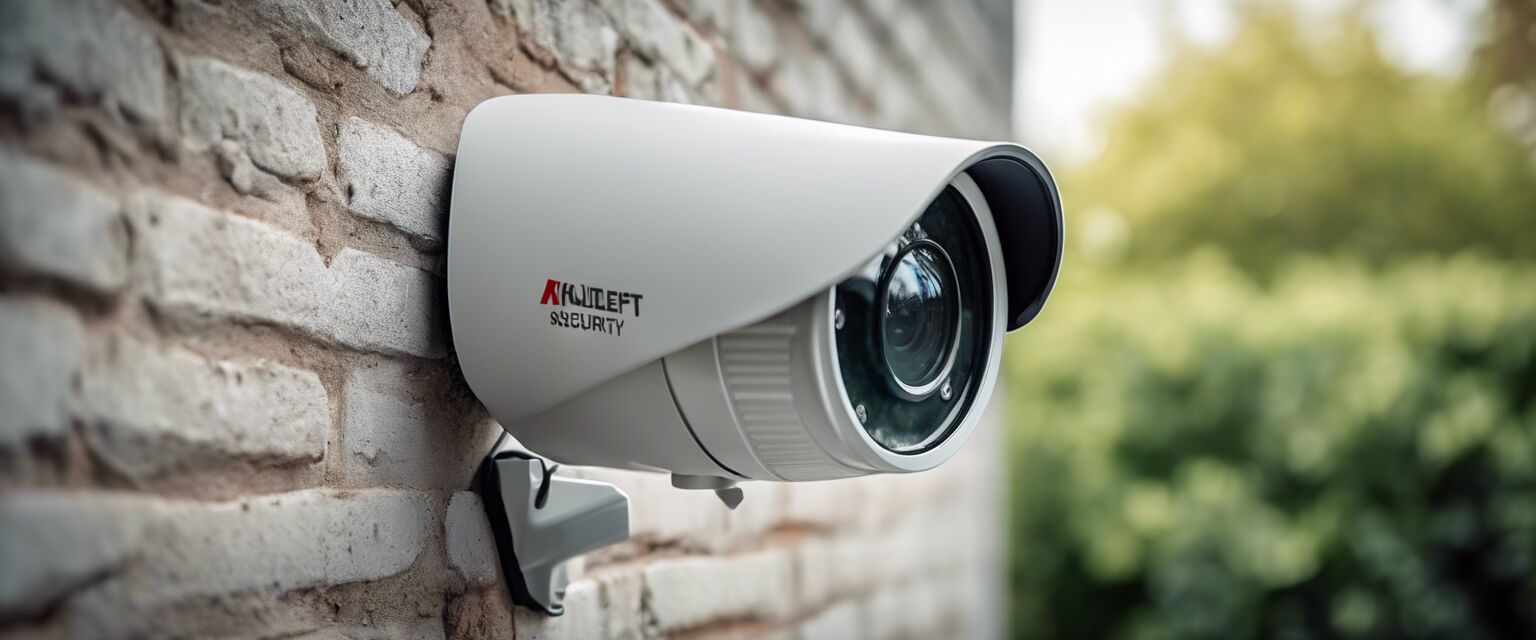
Outdoor cameras require a secure installation for optimal performance:
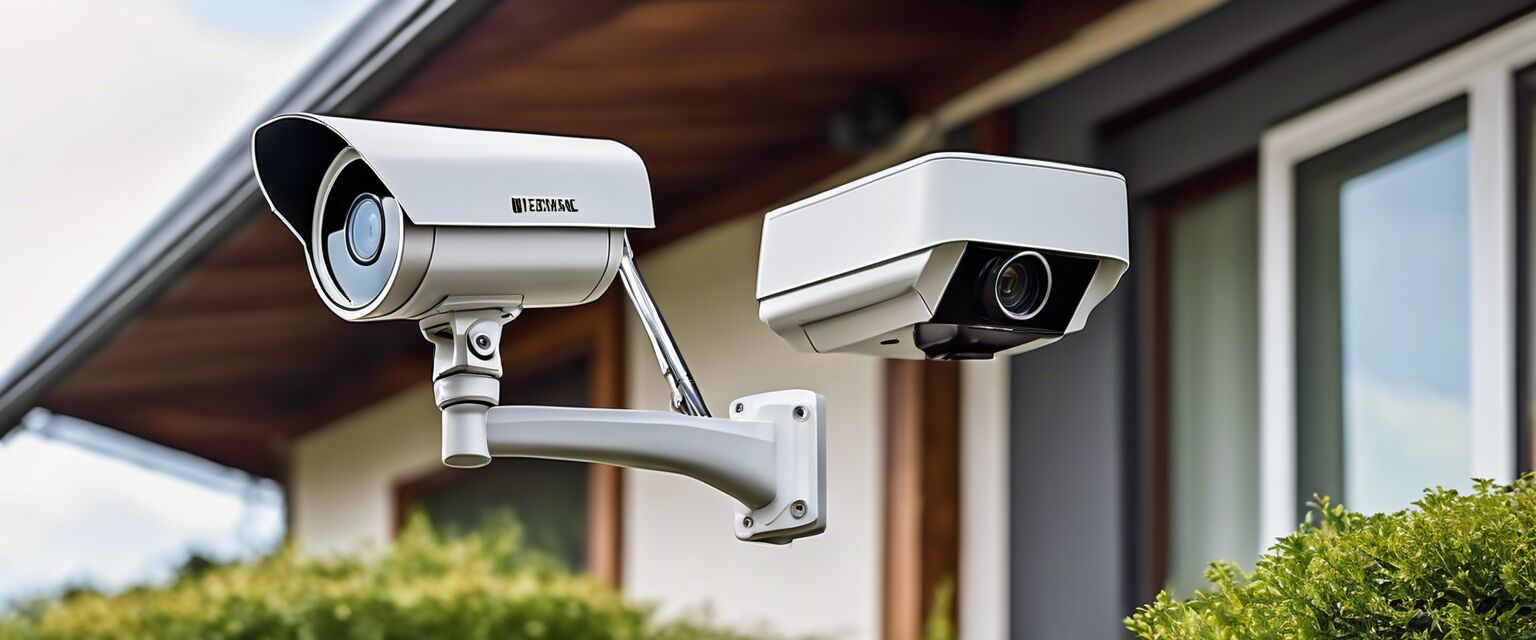
- Select a location with a clear view of the area you wish to monitor.
- Drill holes and install the mounting bracket.
- Connect the camera to power (if not wireless) and secure it to the bracket.
- Test the camera angle and adjust as needed.
- Configure the camera settings via the mobile app.
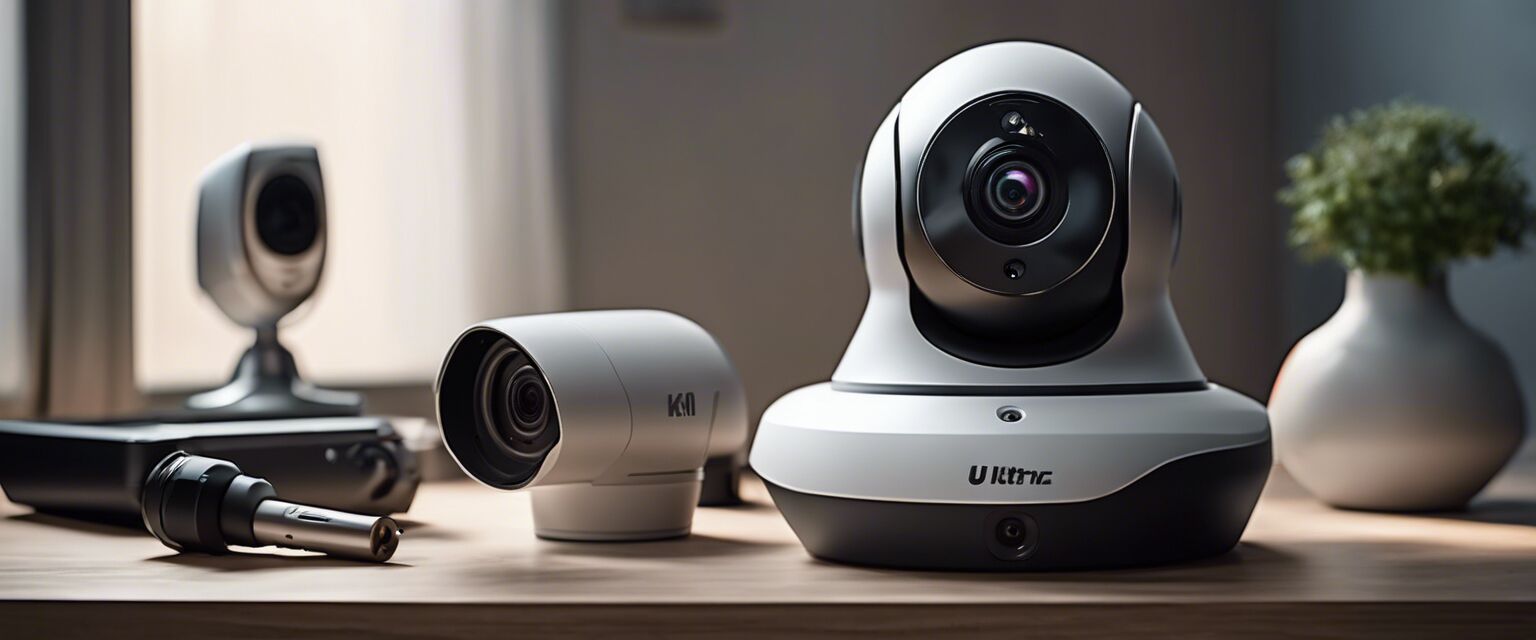
3. Wireless Security Cameras
Wireless cameras offer flexibility in placement:
- Choose a location with good Wi-Fi coverage.
- Follow the app instructions to set up the camera.
- Mount the camera using the provided hardware.
- Adjust the cameraâs angle for the best field of view.
4. Smart Home Security Systems
Integrating smart cameras can enhance your home security:
- Choose a compatible smart camera system.
- Follow the manufacturerâs instructions for installation and integration.
- Connect to your home Wi-Fi and configure settings via the app.
Common Installation Mistakes to Avoid
- Not considering the camera's field of view.
- Ignoring power supply requirements.
- Failing to secure cameras properly to avoid theft or damage.
- Neglecting to test the camera before finalizing the installation.
Connecting to Home Monitoring Services
Enhancing your security system by connecting to a home monitoring service can offer additional benefits. These services provide 24/7 monitoring, immediate alerts, and professional assistance. You can learn more about these services on our Home Monitoring Services page.
Maintenance and Troubleshooting
To ensure your cameras function effectively, regular maintenance is essential:
- Clean the camera lenses frequently.
- Check for software updates regularly.
- Test the motion detection settings periodically.
- Replace batteries in wireless models when needed.
Final Thoughts
Installing home security cameras can seem daunting, but with the right guidance, it can be a straightforward process. Remember to choose the right type for your needs, follow installation instructions carefully, and regularly maintain your cameras to keep your home secure. For more information on different camera types, visit our Wireless Security Cameras and Outdoor Security Cameras pages.
Pros
- Enhanced security for your property.
- Peace of mind with remote monitoring.
- Deterrent for potential intruders.
- Ability to check on pets and loved ones.
Cons
- Initial installation costs can be high.
- Potential privacy concerns.
- Requires regular maintenance and updates.
Tips for Beginners
- Start with a basic system and expand as needed.
- Read reviews and guides before purchasing.
- Consider professional installation if unsure about DIY.
- Utilize customer support from manufacturers for troubleshooting.